Batch image optimizer for MacCrush your image sizes. Keep every pixel.
ImageCrush is a native Mac app that compresses, resizes, crops, renames, and converts JPG, PNG, WebP, HEIC, and AVIF in one step — all on your Mac.
macOS 15.7+ · Apple Silicon & Intel · No account required
Latest from the blog

I Tried to Build an AI-Proof Watermark. Here's What I Learned.
Is there a watermark AI can't remove? We tested every AI-resistant technique against FLUX, GPT Image, and Gemini. All failed. Here's how to protect proofs.
WebP vs AVIF vs HEIC vs JPEG vs PNG: Which Image Format Should You Actually Use?
Real benchmarks comparing JPEG, PNG, WebP, HEIC, and AVIF on photos, screenshots, illustrations, and UI, plus which format to use for web, email, and social.

How to Watermark Proof Photos: Settings That Still Make Sense in 2026
The proof watermark settings that hold up now that AI can remove them: what to write, tiled vs diagonal, opacity, proof size, and filenames clients can order from.
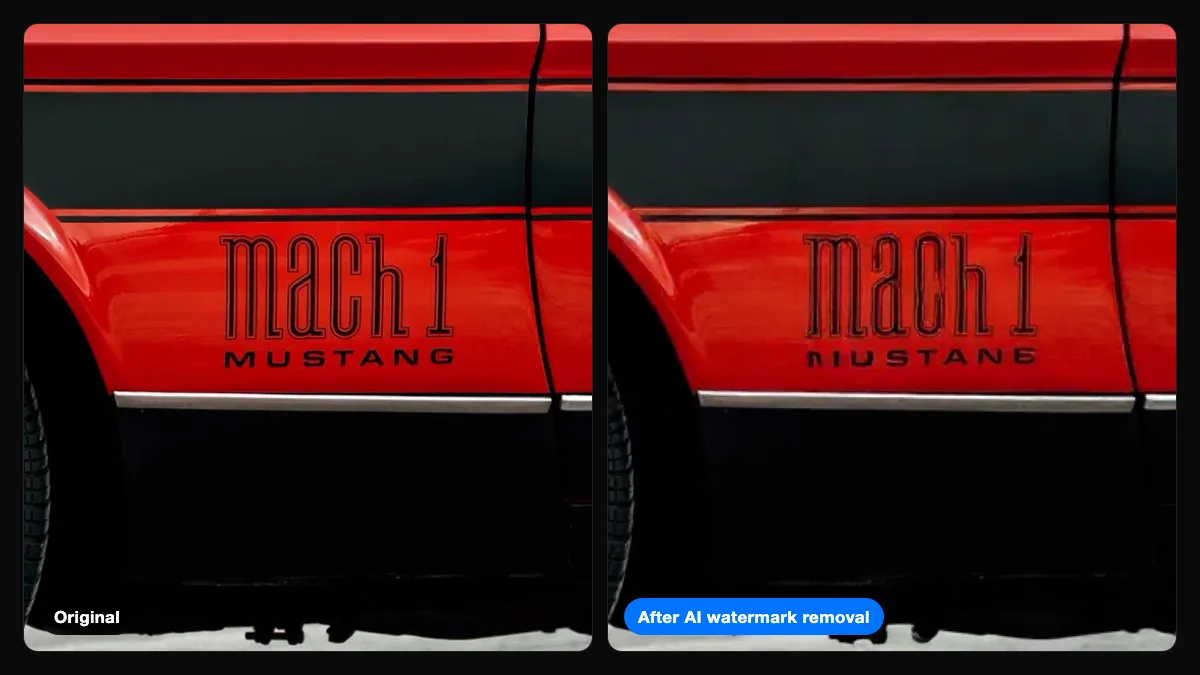
The Photos AI Can't Cleanly Un-Watermark: Text, Logos, and Busy Scenes
AI stripped watermarks from portraits almost perfectly in our tests, but mangled photos with their own lettering. Which photos resist clean removal, and why.
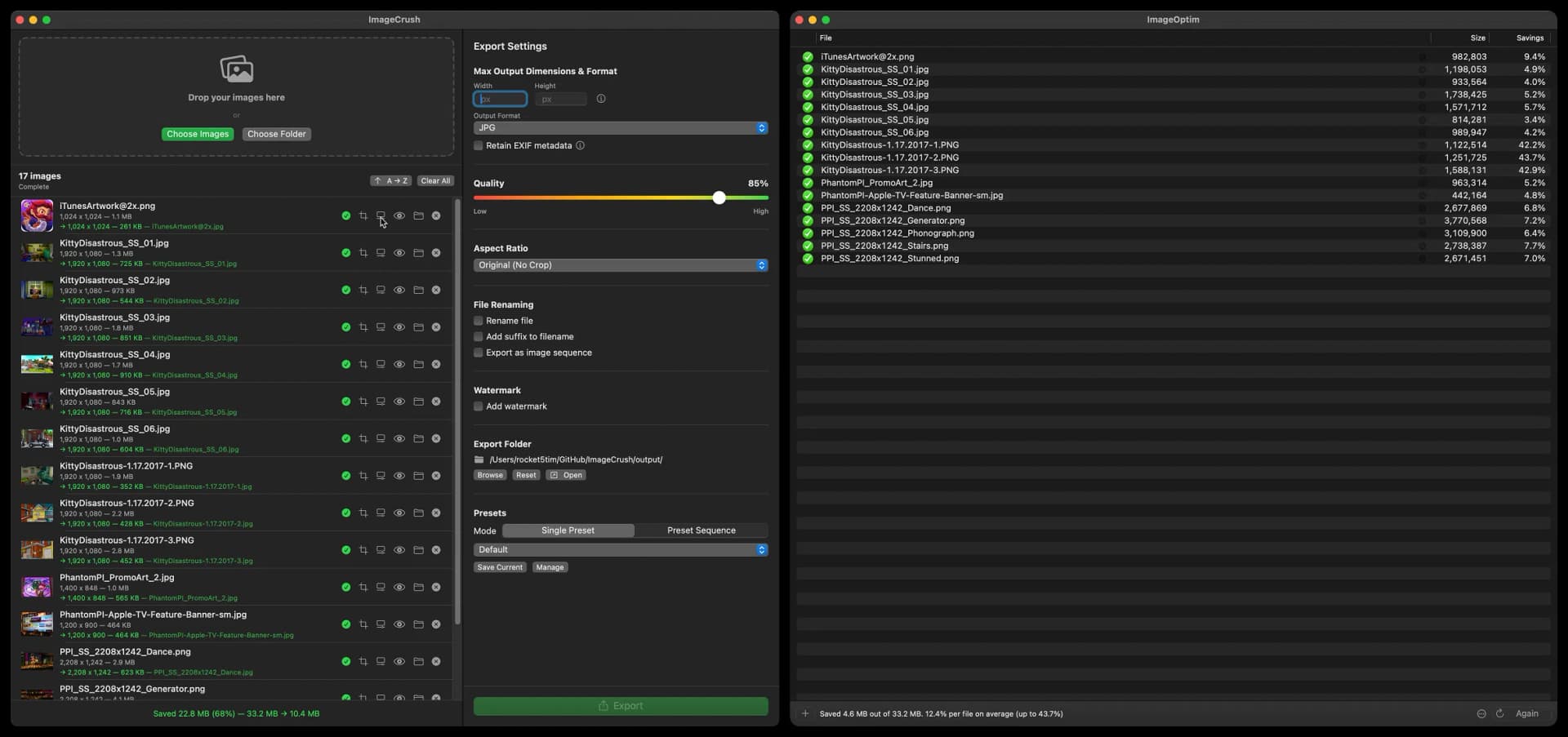
ImageCrush vs ImageOptim: Which Mac Image Optimizer Should You Use?
ImageCrush vs ImageOptim, feature by feature: compression, resize, crop, WebP/AVIF, what happens to your originals, price, and maintenance. Updated Oct 2026.
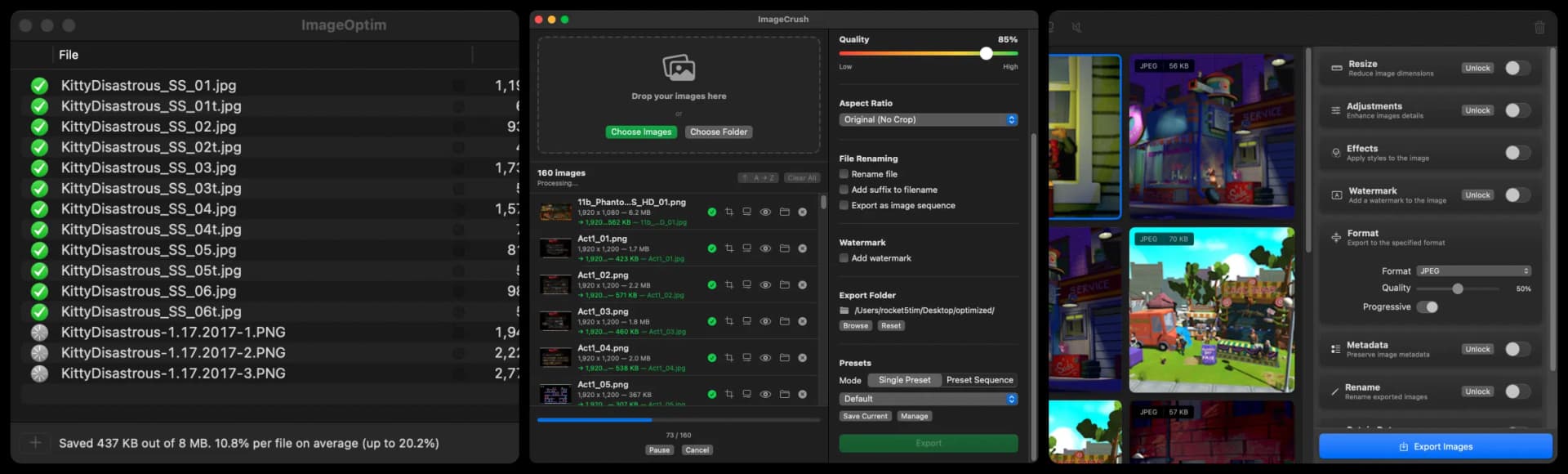
Best Image Optimizers for Mac in 2026: 8 Tools Compared
ImageCrush, ImageOptim, Zipic, Optimage, Squash, Compresto, TinyPNG, and Squoosh compared on features, formats, price, and maintenance. Checked Oct 2026.
Built by creatives for creatives
We built ImageCrush because we needed a tool that could take a folder of images and batch export them to the exact format, dimensions, and quality a project called for — without uploading files to a server, stringing together CLI commands, or paying a subscription for a utility app.
Our storyDrop a folder. Done in seconds.
Drag images straight from Finder — files, folders, hundreds at a time. ImageCrush processes them concurrently with up to 8 parallel threads. Watch the progress bar, or don’t. Pause mid-batch if you need to. Resume when you’re ready.
Every image gets a checkmark when it’s done, and you can reveal exported files in Finder with one click.
Try it freeEvery format. One app.
Import JPG, PNG, WebP, HEIC, or AVIF. Export to any of them. The quality slider gives you precise control from 1–100%, and smart defaults adjust when you switch formats. Need WebP for your website? HEIC for smaller archives? AVIF for next-gen compression? Pick the format, set the quality, hit export.
All encoding happens locally using native Apple frameworks and optimized open-source codecs — no internet connection needed.
How to batch convert images to WebP →
Try it freeSee the difference. You might not.
Drag the slider across any image to compare the original and optimized versions side by side. Pixel-level detail on the left, compressed output on the right. Below the preview, full stats tell the whole story — file size before and after, percentage saved, dimensions, and format.
Compression artifacts? Zoom in and check for yourself. What you see is what you export.
How to compress images on a Mac →
Try it freeSet it once. Use it forever.
Save your export settings as custom presets — format, quality, dimensions, crop ratio, filename rules, watermark, all of it. Set a default preset that loads every time you launch the app. Batch rename files with custom names, suffixes, and sequence numbers.
4 built-in presets included: Default, Web Optimized, High Quality, and Thumbnail. Create as many custom presets as you need.
Try it freeCrop for any screen, any platform.
17 built-in aspect ratios cover everything — 16:9 for YouTube thumbnails, 4:5 for Instagram portraits, 1.91:1 for Open Graph cards, 2.39:1 for cinematic frames. Or go freeform. The crop editor lets you drag, resize, and fine-tune with modifier keys for precision.
Per-image custom crops — step through your queue and apply a different crop to every image, or apply the same ratio to all at once.
How to batch resize and crop images →
Try it freeBrand your exports. Mark your proofs.
Add text or image watermarks to every exported image in a single batch. Choose from three layout styles — single placement, tiled grid, or diagonal pattern. Fine-tune opacity, size, color, and position until it’s exactly right. The live preview shows you how the watermark will appear before you export.
Text and image/logo watermarks with three layout styles, adjustable opacity, and live preview — applied across your entire batch in one pass.
How to batch watermark photos →
Try it freeBuilt for people who work with images every day.
Whatever you create, your images should be lighter.

Web Developers
Ship lighter pages, faster.
Every kilobyte matters for Core Web Vitals. Batch convert entire asset folders to WebP, set max dimensions, and export with one click. Your Lighthouse scores will thank you.

Game Developers
Optimize every sprite, texture, and asset.
Batch process hundreds of game assets at once. Resize sprites to exact dimensions, compress textures without visible artifacts, and keep your build sizes under control.

Photographers
From camera to client in minutes.
Resize, compress, and export entire shoots for web galleries or client delivery. Set your quality once, save it as a preset, and process every job the same way.

UI/UX Designers
Export-ready assets without the headaches.
Drop your design deliverables and batch export at the exact dimensions, formats, and quality your specs require. One preset per project. Done.

Content Creators
Blog-ready images without the busywork.
Compress and resize batches of images for your CMS, newsletter, or social channels. Consistent sizing, consistent quality, every time.

E-commerce
Product images that load before they scroll.
Batch optimize product photos to consistent dimensions and file sizes. Faster pages mean higher conversions and fewer abandoned carts.
Try it free. Buy it once.
macOS 15.7+ · Apple Silicon & Intel
Free Trial
Full access to every feature. No restrictions.
- All formats: JPG, PNG, WebP, HEIC, AVIF
- Batch processing with up to 8 threads
- Crop editor & 17 aspect ratio presets
- Custom presets & preset sequences
- Before & after preview
- No watermarks or limits
- No credit card required
- No account required
Buy Once
Full license. Yours forever.
- Everything in the free trial, plus:
- Permanent license — no expiration
- Use on 2 Macs with one license
- Direct support from the developer
- Faster updates — no App Store review delay
- 100% offline — images never leave your Mac
- Free updates included
- No subscription, ever
Mac App Store
Same app. Apple ecosystem.
- Everything in the free trial, plus:
- Permanent license — no expiration
- Family Sharing with up to 5 family members
- Managed by your Apple ID
- Automatic updates via App Store
- 100% offline — images never leave your Mac
- Free updates included
- No subscription, ever

We’re passionate about building great software
Have a question, feature request, or just want to say hi? We read every message.
Get in touchFrequently asked questions
Can’t find what you’re looking for? Ask us directly.
Web tools upload your images to a remote server, process them there, and send them back. ImageCrush processes everything on your Mac — nothing leaves your device. It also handles batches of hundreds of images at once with concurrent processing, gives you a full crop editor, custom presets, and batch renaming. No browser tabs, no upload limits, no waiting on a server.
ImageOptim is a great free compressor, but compression is all it does. ImageCrush handles the whole pipeline in one batch: resize, crop, convert between JPG, PNG, WebP, HEIC, and AVIF, compress, rename, and watermark — with reusable presets so every export comes out the same. Full ImageCrush vs ImageOptim comparison
No artificial limit. Drop 10 images or 10,000. ImageCrush processes them concurrently with up to 8 parallel threads. The only constraint is your Mac’s available memory and disk space.
Yes. Drop a folder of iPhone HEIC photos into ImageCrush, pick JPG (or WebP or PNG) as the export format, set the quality, and export. The whole folder converts in one batch, and you can resize and rename the files in the same pass. How to batch convert HEIC to JPG
Nowhere. All processing happens locally on your Mac. Your images are never uploaded to a server, a cloud service, or anywhere else. The app doesn’t even have the ability to — it runs inside Apple’s App Sandbox.
Yes. Add a text or logo watermark to every image in a batch, with single, tiled, or diagonal layouts and adjustable opacity, size, color, and position. A live preview shows exactly how it will look before you export, and you can save it as part of a preset. What we learned testing watermarks against AI
Everything. The 7-day trial gives you full access to every feature — all formats, batch processing, crop editor, presets, export. No restrictions, no watermarks, no credit card, no account required. Download and start using it immediately.
No. One-time purchase. You pay once and own it. No monthly fees, no annual renewals, no “plans.”
Import: JPG, PNG, WebP, HEIC, HEIF, and AVIF. Export: JPG, PNG, WebP, HEIC, and AVIF. You can convert between any of them — drop a folder of PNGs and export as WebP in one batch.
macOS 15.7 (Sequoia) or later. ImageCrush runs natively on both Apple Silicon and Intel Macs.