TL;DR: A proof watermark's job in 2026 is to label the image and prove it wasn't purchased. It no longer protects it, because AI removes visible watermarks. So optimize for the client's viewing experience, and let image size do the protecting:
| Setting | Recommendation | Why |
|---|---|---|
| Text | PROOF + your studio name | Labels the image and identifies you in one line |
| Layout | Diagonal, tiled across the whole image | Can't be cropped out like a corner logo |
| Opacity | 25–35% | Clients can still judge expression; heavier doesn't stop AI anyway |
| Color | White on most images, dark gray on very light ones | Readable without dominating |
| Proof size | 1200–1600 px on the long edge | Sharp on a phone or laptop, too small for a decent large print |
| Format | JPG at 70–80% quality | Small, fast to load in any gallery or email |
| Filenames | client-proof-001.jpg | Clients order by number, not by describing the photo |
| Metadata | Strip it | Proofs don't need your camera data |
How should you watermark proof photos? Use a diagonal, tiled text watermark that reads "PROOF" plus your studio name at about 30% opacity, and export proofs at 1200–1600 pixels on the long edge as 70–80% quality JPGs with numbered filenames. The watermark labels the image as unpurchased and serves as evidence if it's misused, while the reduced size is what actually limits what anyone can do with a proof, including after an AI tool removes the watermark.
Why proof watermarks still matter (just not for the reason you think)
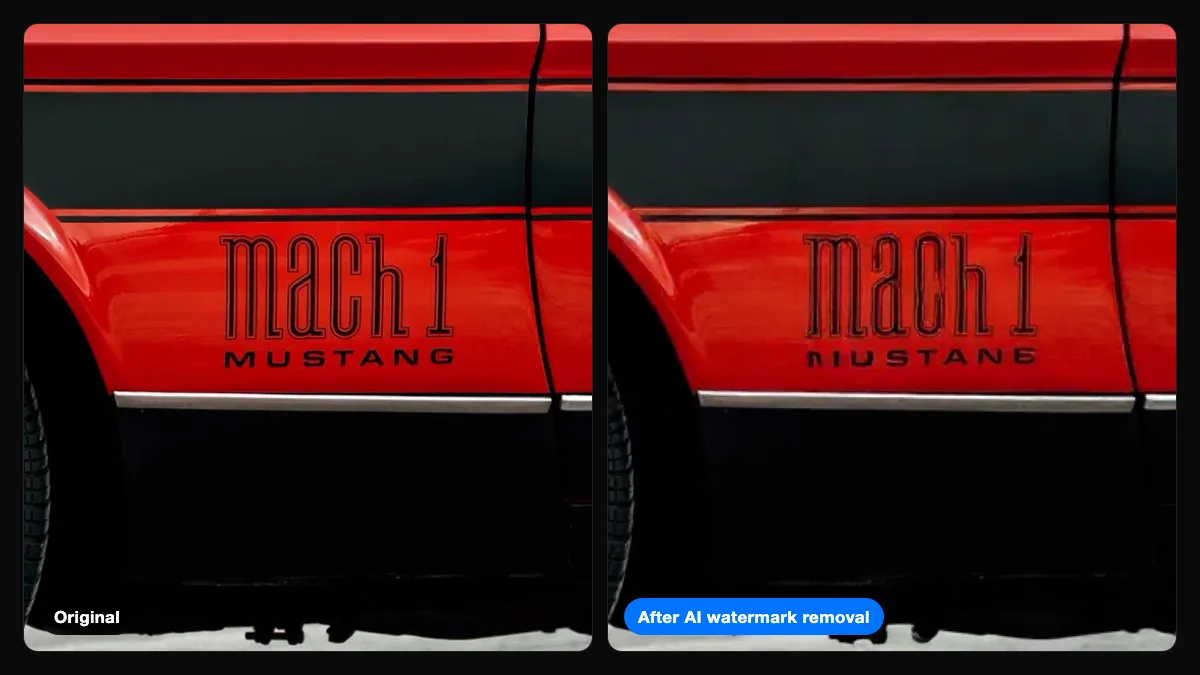
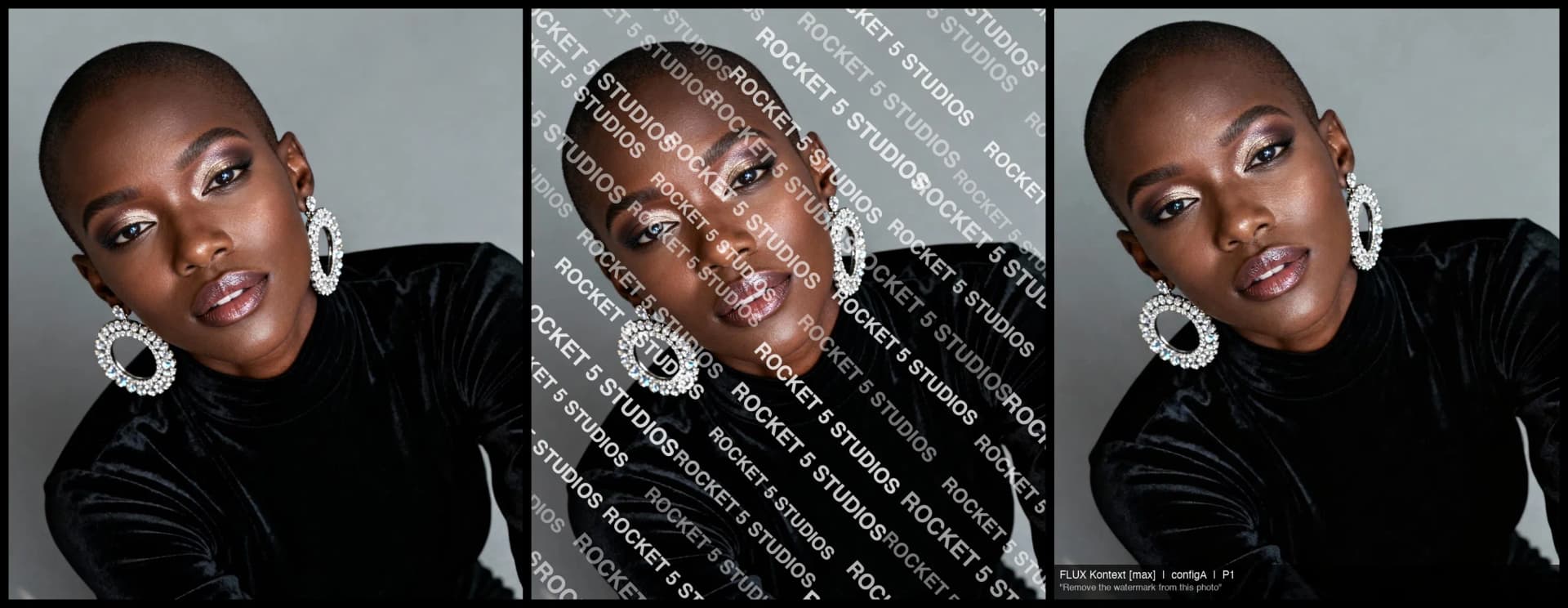
Earlier this year we tried to build an AI-proof watermark and ran 324 removal attempts against FLUX Kontext, GPT Image 1, and Gemini. Every technique failed: randomized tiles, opacity jitter, pixel warping. Tools like FLUX Kontext removed tiled watermarks cleanly at both 30% and 60% opacity.
That doesn't make watermarks pointless. It changes what they're for:
- A label. "This is a proof, not a final" is a message most clients respect.
- Evidence. A watermarked proof shows the client knew the image was unpurchased.
- A deterrent. Most people won't go looking for an AI tool. Some will, and no watermark stops them.
So the right question isn't "how do I make an unremovable watermark?" It's "what watermark gives my clients the best proofing experience, while my file sizes and contracts do the protecting?"
The settings, one by one
What to write: "PROOF" plus your name
Keep it short enough to tile cleanly: PROOF · Smith Photography or PROOF · smithphoto.com. A URL is useful when proofs get shared, because anyone who sees one knows where it came from.
Avoid long legal phrases like "NOT FOR REPRODUCTION – © 2026 ALL RIGHTS RESERVED." They tile into an unreadable wall and make the photo harder to judge. Put the legal language in your proofing agreement instead.
Layout: diagonal and tiled
A single logo in the corner is the easiest watermark to defeat, because it can be cropped off without any AI at all. A tiled grid covers the whole frame, and a diagonal pattern is harder to crop or paint around than straight rows.
Opacity: 25–35%
This is where most photographers overcorrect. Heavy watermarks feel safer, but in our testing 60% opacity didn't stop AI removal either. It just made the result slightly messier:
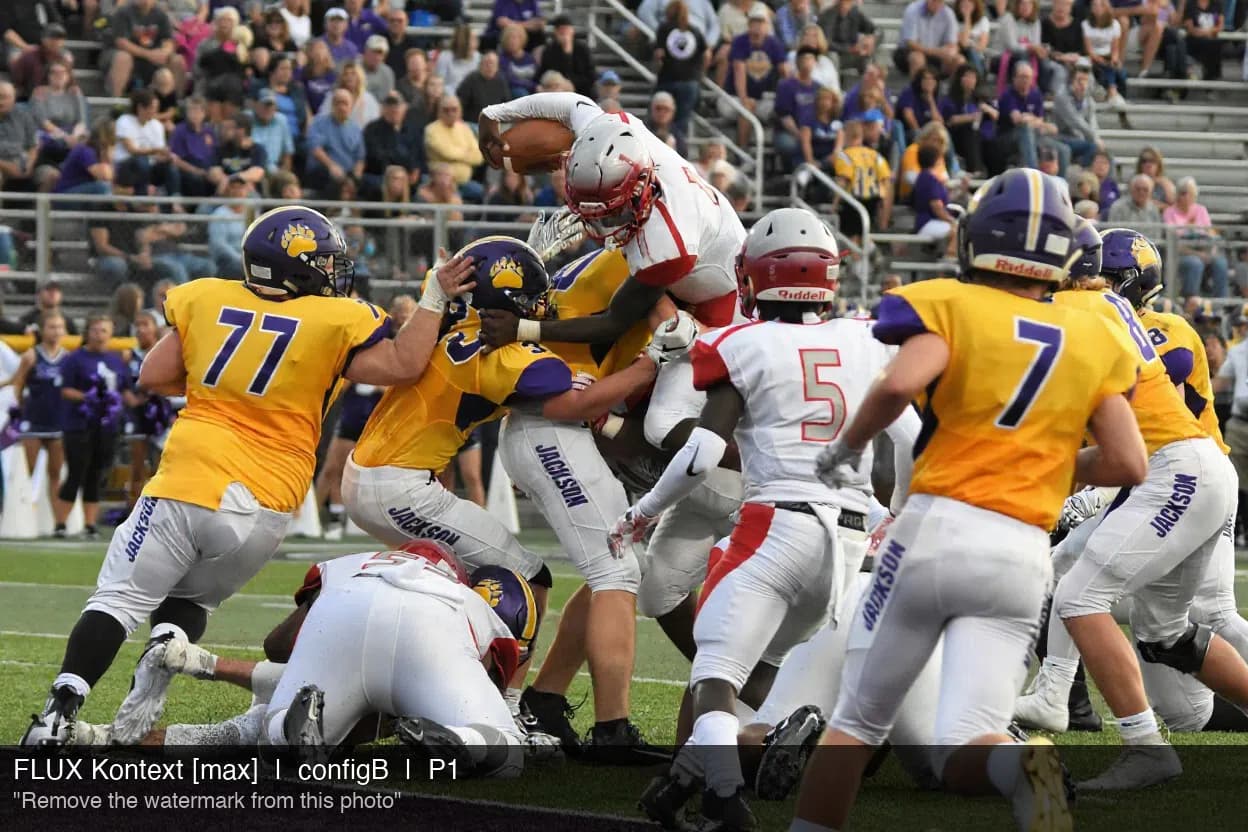
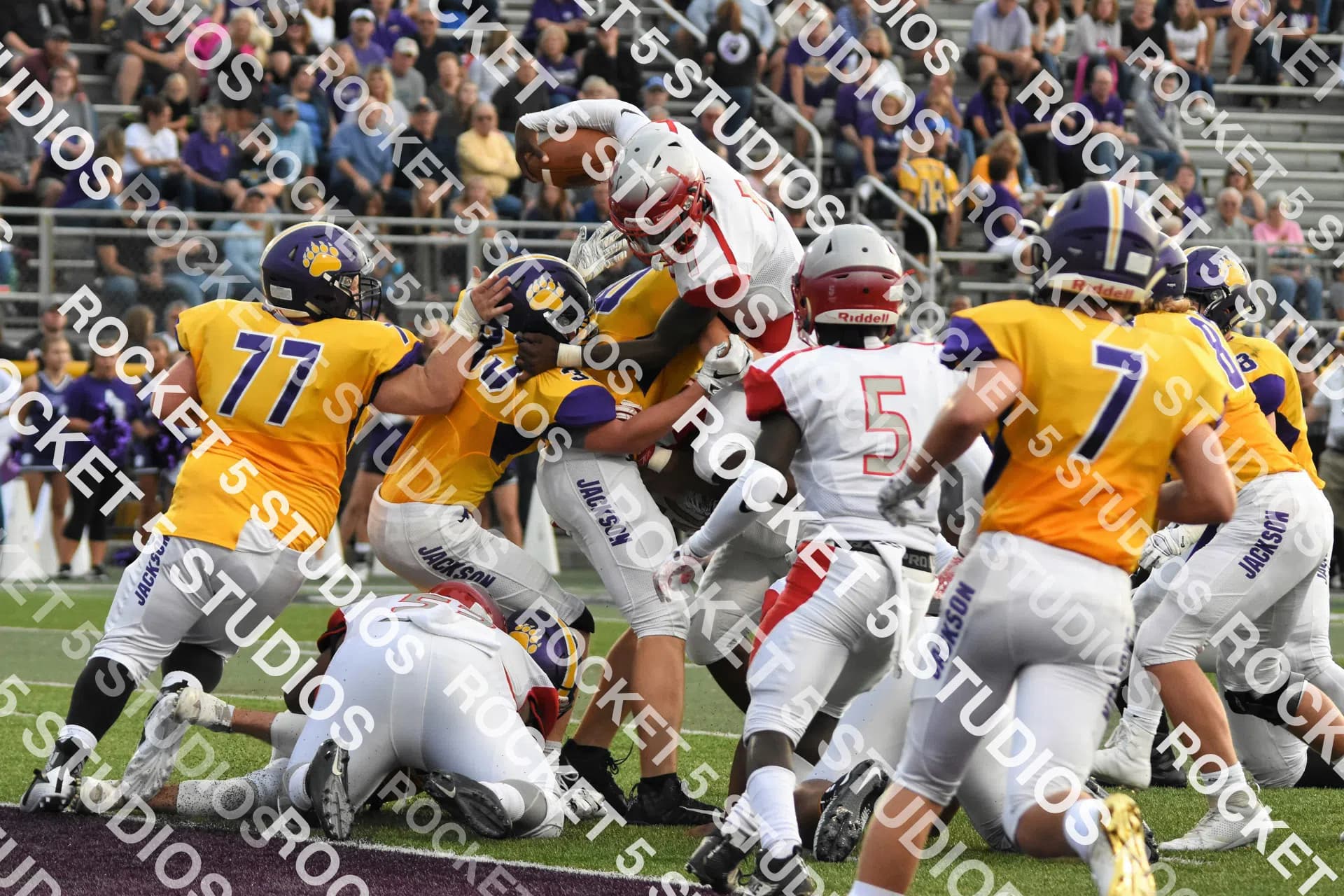
What a heavy watermark does reliably do is hide the thing your client is trying to evaluate: expressions, eyes closed or open, which of six near-identical frames is best. At 25–35%, the watermark is obvious and the photo is still easy to judge. That's the trade worth making.
Color and size
White works on most images. Use dark gray for very light scenes like high-key portraits, snow, or white backdrops, so the watermark doesn't vanish. Pick a size where each repetition is clearly readable on a phone. Tiles that are too small turn into texture, and tiles that are too large leave big unwatermarked gaps.
Proof size: let resolution do the protecting
This is the setting that actually limits misuse. A full-resolution proof with a watermark removed is a free print. A 1200 px proof with a watermark removed is a decent phone wallpaper.
| Long edge | Sharp print (300 DPI) | Soft print (150 DPI) |
|---|---|---|
| 1200 px | 4 in | 8 in |
| 1600 px | 5.3 in | 10.7 in |
| 2048 px | 6.8 in | 13.7 in |
| Full res (e.g. 6000 px) | 20 in | 40 in |
1200–1600 px on the long edge looks sharp on phones, tablets, and laptops, which is where clients review proofs, but it won't make a print anyone would pay for. If you sell prints, stay at the lower end.
AI tools don't help much here. In our tests, every model returned images with roughly 80% fewer pixels than we sent, so a cleaned-up proof comes back smaller, not larger.
Format, quality, and filenames
- JPG at 70–80% keeps proofs small enough for any gallery, email, or slow connection.
- Number your files (
smith-wedding-proof-001.jpg,-002, …). Clients can order "014, 027, and 031" instead of "the one where Grandma is laughing." - Strip metadata. Proofs don't need your camera serials, lens info, or GPS. In ImageCrush, leave Retain EXIF metadata off.
Set it up once as a preset
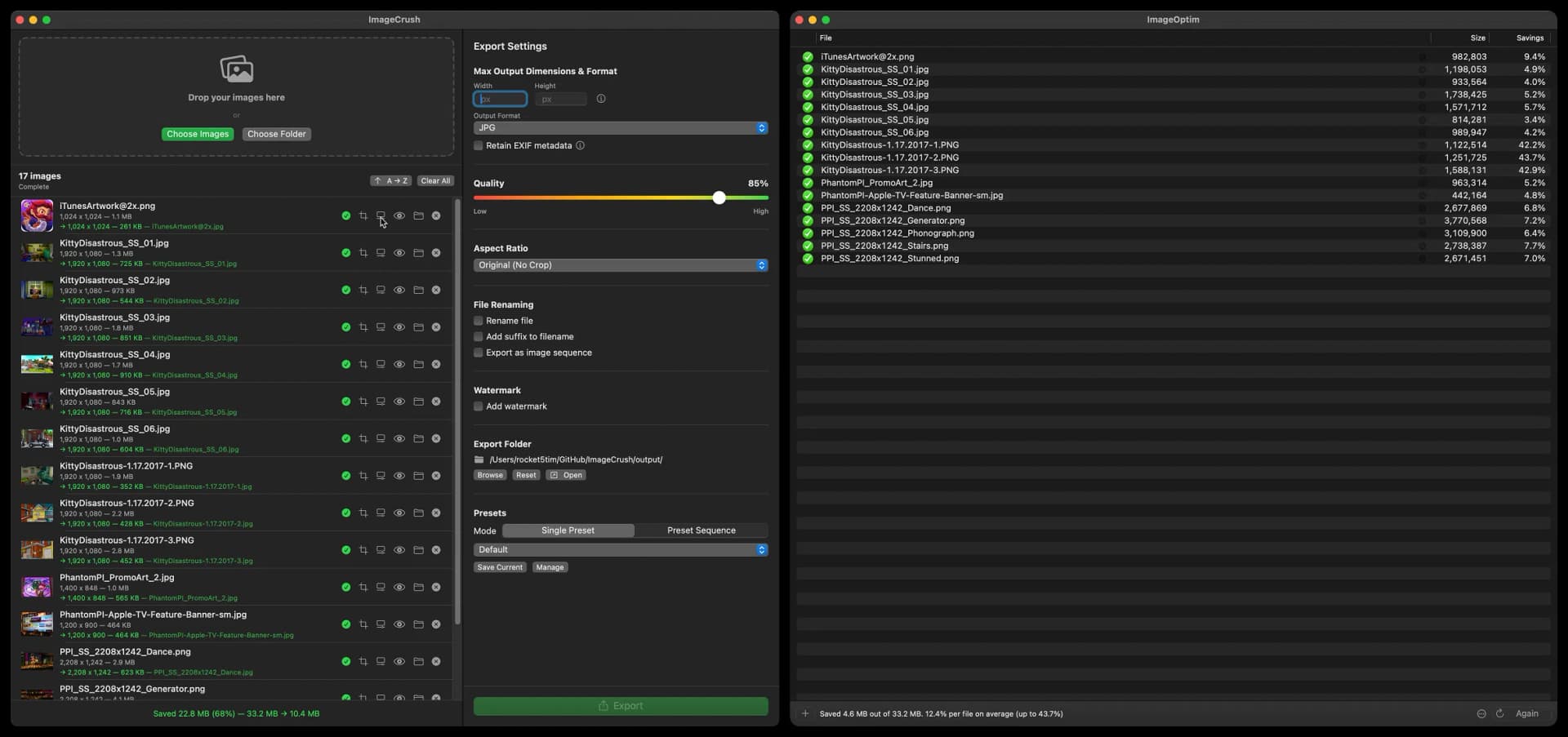
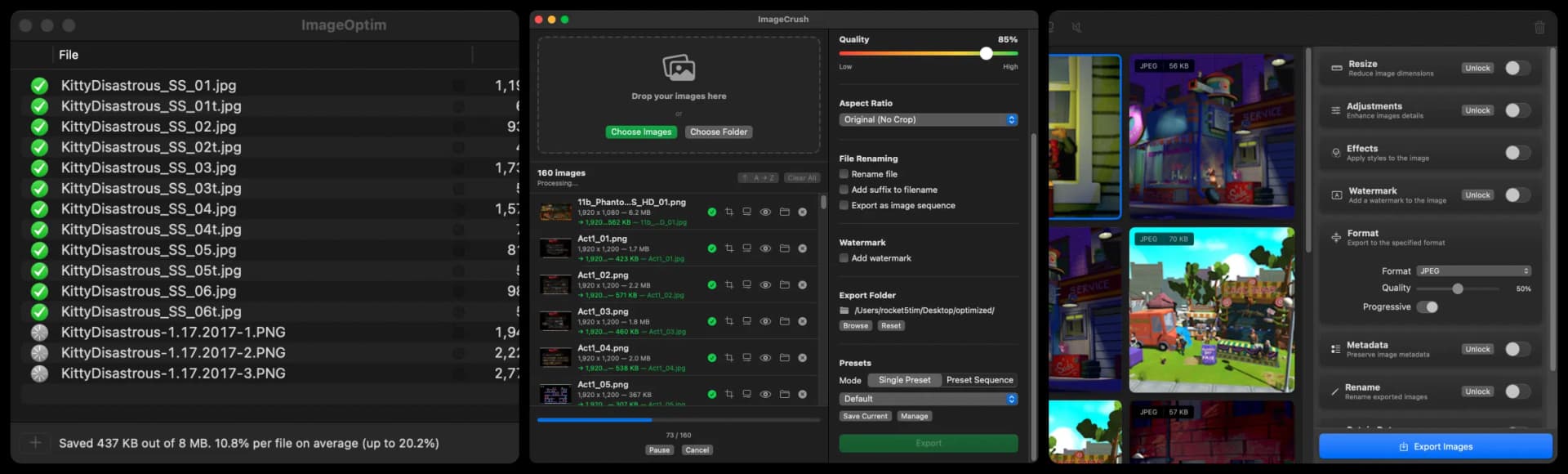
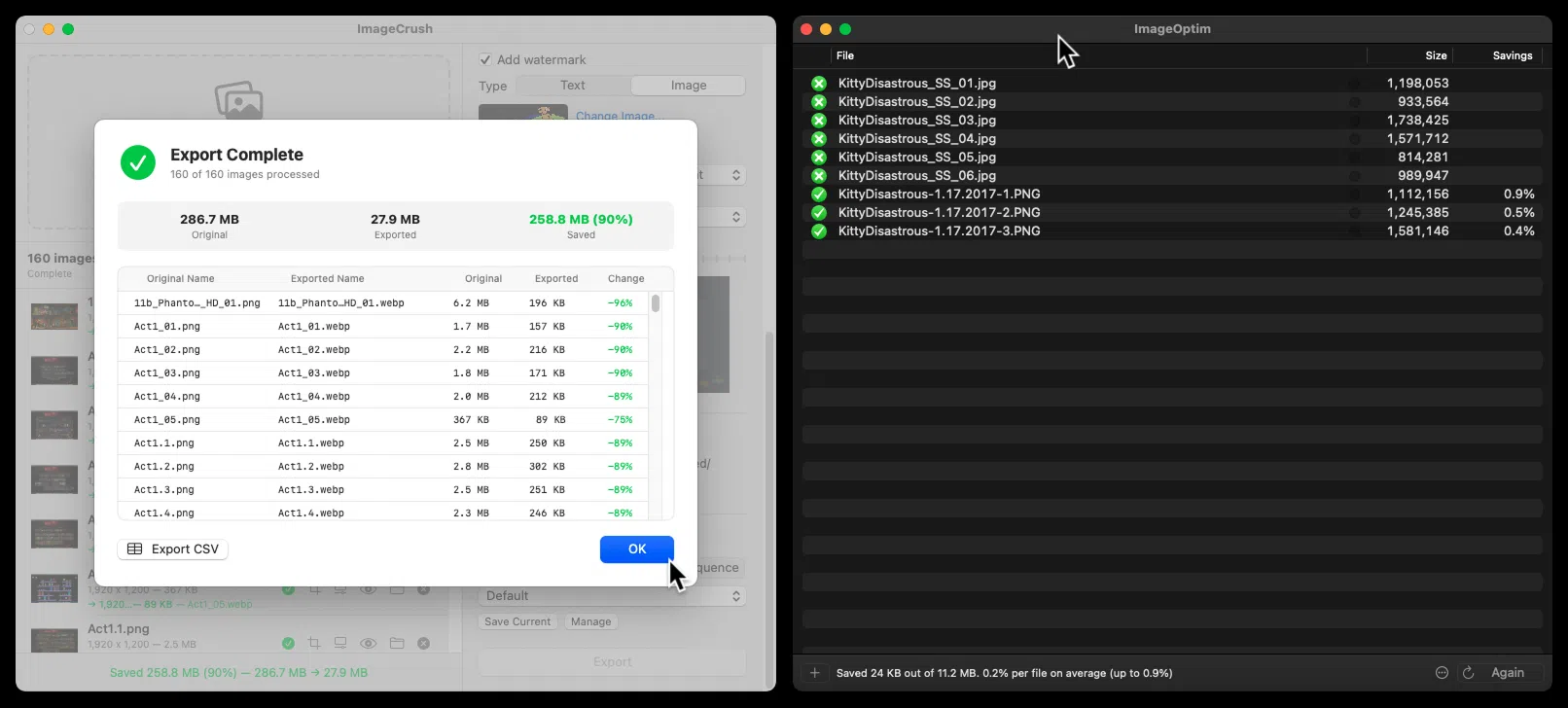
Doing all of that by hand for every gallery is where proofing eats your evening. In ImageCrush, it's one preset:
- Drop in the gallery. Drag the folder of selects from Finder.
- Add the watermark. Text:
PROOF · Your Studio. Style: Diagonal. Opacity: 30%. Color: White. - Set the size. Max width and height: 1600 px. Format: JPG. Quality: 75%.
- Name the files. Custom name
client-proofwith sequence numbers. - Save as a preset ("Client proofs") and export. Next shoot: drag, pick the preset, export.
Everything runs on your Mac. Client photos are never uploaded to a web watermarking service.
Common mistakes
- A corner logo as your only watermark. It's gone with one crop.
- Opacity above 50%. It frustrates clients and doesn't stop AI.
- Sending full-resolution proofs. This is the single biggest leak, watermark or not.
- Unnumbered files. Ordering turns into a back-and-forth over email.
- Relying on the watermark alone. Pair it with a proofing agreement that says proofs aren't licensed for use. That's what gives the watermark legal weight.
Frequently Asked Questions
What opacity should a proof watermark be?
Around 25–35%. That's clearly visible as a proof label while still letting clients judge expressions and details. In our testing, heavier watermarks at 60% opacity were still removed by AI tools, so going darker mostly makes the proofing experience worse without adding protection.
Should a proof watermark be tiled or in the corner?
Tiled, preferably diagonal. A corner watermark can be cropped out in seconds without any special tools. A diagonal tiled pattern covers the whole image and is harder to crop or paint around than straight rows.
What size should proof photos be?
1200–1600 pixels on the long edge. That looks sharp on phones, tablets, and laptops where clients review proofs, but it's too small for a quality print. At 300 DPI, a 1600 px proof prints sharply only up to about 5 inches.
Can AI remove a proof watermark?
Usually, yes. In our tests of 324 removal attempts across four AI models, visible watermarks, including tiled and randomized ones, were removed at both 30% and 60% opacity. That's why proof size and a clear proofing agreement matter more than watermark strength.
What should a proof watermark say?
"PROOF" plus your studio name or website, for example "PROOF · Smith Photography." It labels the image as unpurchased and tells anyone who sees a shared copy where it came from. Keep longer legal wording in your proofing agreement instead.
Further reading
- I Tried to Build an AI-Proof Watermark. Here's What I Learned.: the 324-attempt test behind these recommendations
- How to batch watermark photos on a Mac: watermark, resize, and rename a whole gallery in one pass
- WebP vs AVIF vs HEIC vs JPEG vs PNG: choosing a format for web galleries

Written by
Tim Miller
Creative Director & Developer, Rocket 5 Studios
Multi-disciplinary creative director and interactive media developer with 20+ years of experience across games, apps, branding, and the web. Tim is the developer behind ImageCrush and the co-founder of Rocket 5 Studios. More about ImageCrush